The Operational Cost of the Midday Voicemail Gap
When a dental office routes midday calls to voicemail, it introduces friction into the patient experience. For existing patients, it can delay timely care or cause frustration when trying to reschedule an appointment. For prospective patients seeking a new provider, a voicemail prompt represents an immediate barrier.
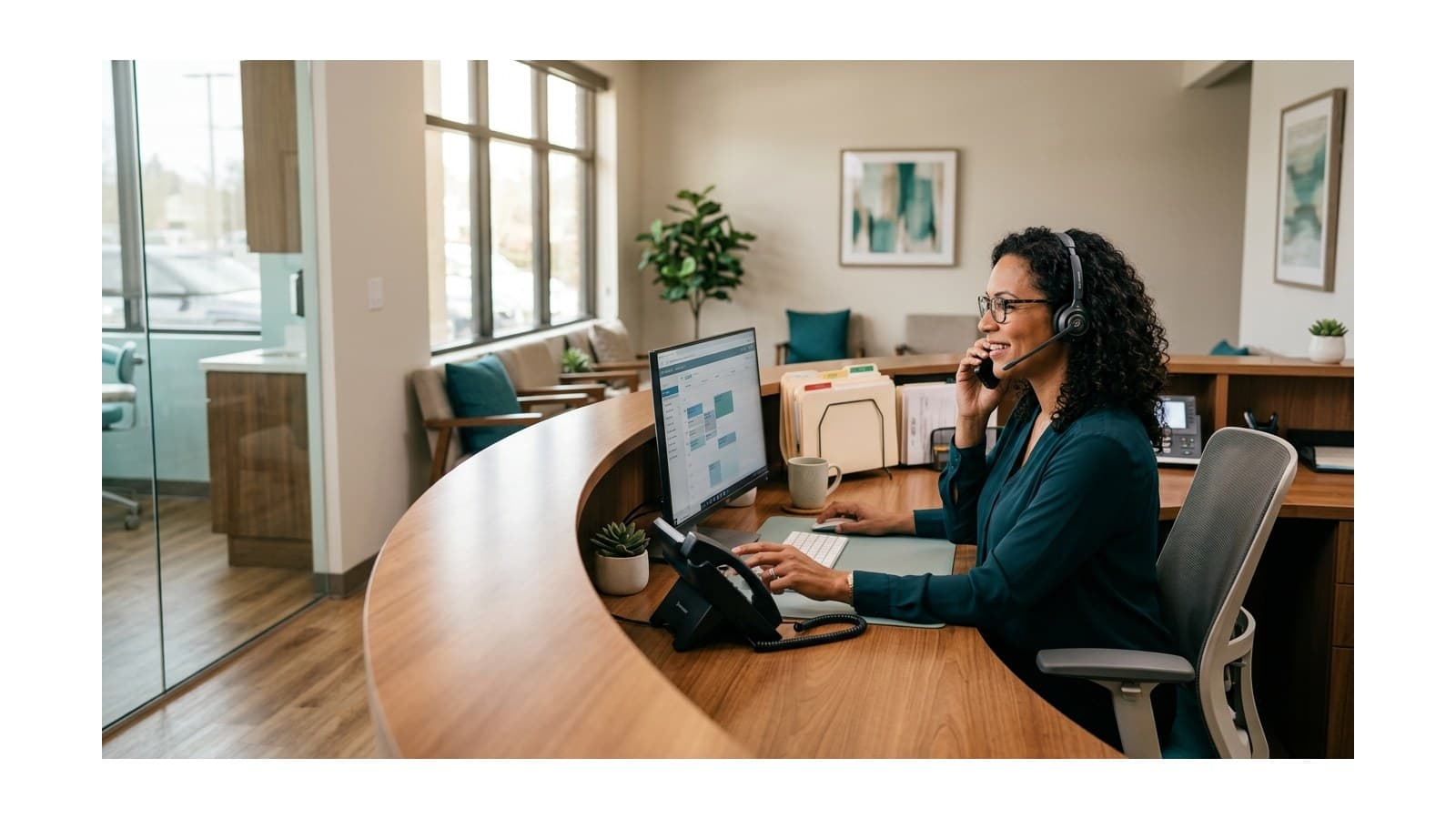
A live receptionist service bridges this gap. By using a virtual receptionist team like AnsweringServiceStaff during lunch breaks, a practice maintains a continuous, professional presence. Incoming calls are greeted by a live person who can take messages, collect patient information, and route urgent requests based on the office's protocols. This approach preserves continuity while capturing requests that would otherwise remain in voicemail.
Key Elements of a Dental Lunch-Hour Coverage Plan
An effective midday coverage plan must be structured, predictable, and simple for both your in-house team and your external support partner. A successful plan relies on four core pillars:
1. Consistent Call Forwarding Protocols
Your front-desk team should have a clear, daily routine for transferring phone lines. Whether you use manual call forwarding (by entering a specific star code on your desk phone) or automated schedule-based routing through your VoIP provider, the transition must occur at the exact same time every day. This ensures that no calls slip through during the shift change.
2. Standardized Patient Intake and Verification
When a patient calls during the lunch break, the answering agent must gather essential, standardized information. This includes the caller's full name, date of birth, primary phone number, and whether they are an existing or new patient. Having a structured intake process ensures that your in-house staff has all the necessary details to take action when they return.
3. Appointment-Request Capture
While answering service agents typically do not modify your live clinical schedule directly to avoid double-bookings, they can capture appointment requests. By gathering the caller's preferred days, times, and the reason for their visit, the agent can submit a structured request. Your scheduling coordinator can then quickly confirm and book the appointment upon returning from lunch.
4. Urgent Routing and Escalation Paths
Not every midday call can wait until the afternoon. A critical component of your plan is defining what constitutes an urgent situation (such as severe dental pain, a knocked-out tooth, or post-operative bleeding) and outlining exactly how those calls should be escalated.
Distinguishing Administrative Intake from Clinical Decisions
In any healthcare-related answering service plan, maintaining clear boundaries between administrative support and clinical decision-making is essential. Virtual receptionists are trained to be empathetic, professional, and efficient, but they are not licensed dental professionals.
Answering agents can collect information regarding a patient's symptoms, but they must never provide medical advice, triage the severity of a clinical condition, or recommend specific treatments.
For example, if a patient calls complaining of a severe toothache, the agent's role is to document the patient's description of the pain, ask standard screening questions provided by your office, and route the message to your on-call staff. The decision on how to treat the patient or whether they need to come in for an emergency appointment remains entirely with your authorized clinical team.
Operational Scenarios: How Midday Calls are Handled
To understand how this plan functions in practice, consider these two hypothetical scenarios representing common midday calls.
Scenario A: The Routine Appointment Request
At 12:20 PM, a prospective patient named Robert calls your office. He is at his desk during his lunch break and wants to schedule a comprehensive exam and cleaning.
- The Action: The AnsweringServiceStaff agent answers the call with your practice's custom greeting. The agent confirms that the office is currently closed for lunch but offers to take down his details to secure an appointment spot.
- The Intake: The agent collects Robert's contact details, preferred appointment times (Tuesday or Thursday mornings), and insurance provider.
- The Handoff: The agent sends a structured message to the designated front-desk inbox or practice management portal. When the scheduling coordinator returns, they review the message, check the schedule, and call Robert back to discuss an available time.
Scenario B: The Urgent Post-Operative Concern
At 12:45 PM, an existing patient named Sarah calls. She had an extraction the previous morning and is experiencing unexpected swelling and discomfort.
- The Action: The agent answers, identifies that the patient is experiencing post-operative discomfort, and immediately references your practice's urgent routing protocol.
- The Intake: The agent gathers Sarah's name, date of birth, details of her symptoms, and her phone number.
- The Escalation: Following your pre-defined instructions, the agent contacts your designated on-call assistant or dentist via a secure SMS or phone transfer. Your clinical staff is immediately notified of the situation and can contact Sarah directly to provide professional clinical advice.
Midday Phone Coverage Matrix
To help visualize how different call types should be managed during the lunch hour, refer to this operational matrix:
| Call Type | Agent Action | Practice Action (Post-Lunch) |
|---|---|---|
| New Patient Inquiry | Collect contact details, insurance info, and preferred appointment windows. | Scheduling coordinator calls back to finalize booking. |
| Routine Rescheduling | Capture current appointment details and requested changes. | Front-desk team updates the scheduling software and confirms with patient. |
| Billing Question | Document the specific invoice or insurance question and account number. | Billing coordinator reviews the account and contacts the patient. |
| Urgent Pain / Emergency | Gather symptoms and immediately contact the designated on-call staff member. | On-call clinical staff contacts the patient immediately to advise. |
| Vendor / Sales Call | Take a standard message with company name and purpose of call. | Office manager reviews and responds at their convenience. |
Implementing Your Lunch-Hour Coverage Plan
Transitioning from a voicemail-dependent office to a live-answering model requires a few simple, deliberate steps. Use this checklist to prepare your team and your answering service partner for a seamless launch:
- Define Your Lunch Window: Establish the exact start and end times for your midday coverage daily.
- Draft Custom Greetings: Create a friendly, professional greeting that lets callers know the office is closed for lunch but a live agent is available to assist them.
- Set Emergency Thresholds: Clearly document what qualifies as a dental emergency for your practice, ensuring agents know when to escalate a call.
- Establish Escalation Contacts: Provide the answering service with updated phone numbers or secure messaging protocols for your on-call staff.
- Train Your Front Desk: Ensure your in-house team knows how to forward the lines before leaving for lunch and how to retrieve messages upon returning.
- Test the System: Conduct a few test calls during the lunch hour to verify that the routing, greeting, and message delivery work exactly as intended.
By implementing a structured lunch-hour phone coverage plan, your dental practice can protect its staff's break times while maintaining high standards of accessibility and care for your patients. Replacing voicemail with professional, live call answering ensures that every midday caller is heard, documented, and properly routed.